Steps To Take if Your Infotainment System Goes Dark
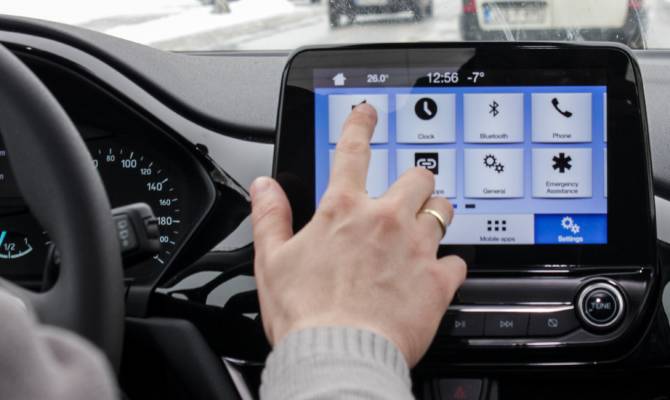
Infotainment systems have become a staple in modern vehicles as they enhance the driving experience by offering navigation, entertainment, and connectivity. For commuters and car owners, these systems provide convenience and comfort on the road.
However, nothing disrupts a drive faster than an infotainment system suddenly going dark. Here, we’re discussing what steps you should take if your infotainment system goes dark.
Why Do Infotainment Systems Go Dark?
Before jumping into solutions, it’s crucial to know what may cause system issues. A system blackout often occurs due to software glitches, electrical issues, or overheating. Software can freeze or crash, particularly if you haven’t updated it recently.
Electrical faults, such as a blown fuse or a loose connection, can also cause the system to shut down. Overheating, especially during hot weather or prolonged use, is another common culprit. Identifying possible causes sets the stage for effective troubleshooting.
Begin With Basic Troubleshooting
If your infotainment screen goes dark, start with the simplest solutions. Check if the system’s power button was accidentally turned off. If the issue persists, test your car’s fuse box. A blown fuse could be the reason for the failure and replacing it may solve the problem. Consult your vehicle’s manual to locate the fuse connected to the infotainment system and replace it with the recommended type.
Restarting the system is another quick step—the equivalent of rebooting your computer to fix temporary glitches. Most vehicles have a specific button or combination of buttons to restart the system. Follow your car’s manual for more detailed instructions.
Perform a Full Reset
When basic troubleshooting doesn’t resolve the issue, resetting the infotainment system often proves effective. This method clears errors and restores the system to its default state. Reset processes vary by car model, so it’s important to reference the user manual.
For many systems, holding down the power button for ten to fifteen seconds will initiate a reset. Some vehicles may require disconnecting the battery for a few minutes to reset the system entirely. Make sure you follow the necessary safety guidelines during this process, as incorrect handling can lead to additional issues.
Inspect System Connectors
If the system remains unresponsive, investigate the wiring. The 10-cavity connectors that support infotainment systems can sometimes loosen or disconnect, causing power interruptions. These connectors play a pivotal role in keeping the system operational.
Carefully check their condition to ensure they are secure and free of damage. If you’re not comfortable inspecting the connectors yourself, contacting a professional is the safer choice.
Stay Updated With Software
Outdated software is a common reason infotainment systems malfunction. Manufacturers frequently release updates to improve functionality, fix bugs, and maintain compatibility with modern devices. Check your vehicle’s manufacturer’s website or contact your dealer to confirm the latest software version for your infotainment system.
Follow the instructions to download and install updates, either via USB or over-the-air updates, if supported. Regularly updating your software can prevent many system failures.
Modern infotainment systems are designed to make your drives more enjoyable, but knowing how to manage unexpected issues ensures that even a temporary blackout doesn’t derail your experience. If your infotainment system goes dark, consider following these steps for immediate resolve. If problems persist, contact your vehicle’s manufacturer.